
An LTK Creator is a content maker approved to run a shoppable storefront on LTK, the platform where posts turn into tagged product links that pay a commission on every sale. The fastest way in: apply through LTK’s creator application, and once you’re approved, download the LTK Creator app to build your first Shop.
The platform isn’t small. LTK’s own reporting cites more than 18 million monthly shoppers, a creator community topping 200,000, and a retail network spanning more than 7,000 retailers and 1 million brands. Creators can tag directly in their posts. Commission rates on those tagged products typically run between 10% and 25%, occasionally reaching 30%. That’s not pocket change if you’re already posting outfit photos or skincare hauls to an audience that trusts your taste.
Here’s what to do before you close this tab:
- Apply through the official LTK creator application with your existing social links ready.
- Download the LTK Creator app (iOS or Android) so it’s set up the moment you’re approved.
- Have five to ten shoppable-style photos or videos ready to post in your first week.
The Numbers That Matter: LTK reports 18M+ monthly shoppers, a 200,000+ creator community, average commissions generally between 10% and 25%, with top performers potentially reaching about 30%, and a tagging network of 7,000+ retailers and 1 million brands.
How to Apply and Set Up Your LTK Shop
LTK lays out a straightforward seven-step onboarding path, and skipping steps is the most common reason new creators feel lost in their first month. Follow the sequence in order.
- Submit your application with your primary social handle (Instagram, TikTok, or a blog) and let LTK review your public profile.
- Watch for approval signals — you’ll get a notification or email once your account is greenlit, usually tied to engagement and content quality checks.
- Log into creator.shopltk.com on desktop to access your dashboard, analytics, and Shop settings for the first time.
- Download the LTK Creator app on your phone. This is where you’ll do most of your daily posting and product tagging.
- Create your first tagged post, linking specific products rather than a generic brand page.
- Promote that post across the social channels where your audience already follows you.
- Build out your full Shop storefront, organizing products into collections that match how you actually shop and talk about items.
Once your Shop exists, add its URL to every bio you control, including Instagram, TikTok, Pinterest, and your blog if you have one.
Before you apply, put together a small kit so approval doesn’t stall your momentum:
- Links to your active, public social profiles (private accounts get rejected fast).
- Three to five existing photos or videos that already look “shoppable,” meaning outfits, products, or setups clearly visible.
- A one-line sense of your niche or focus, whether that’s budget fashion, home decor, or clean beauty.
If you hit a snag during setup, LTK’s Help Center at help.liketoknow.it covers app troubleshooting, payout questions, and Shop customization in more detail than most onboarding emails will.
What Does LTK Look for in a Creator Application?
Getting approved isn’t about follower count alone. LTK is evaluating whether your content already looks like something a shopper would click through and buy from, and whether you’ll actually stay active.
The signals that tend to matter most:
- A public profile. Locked accounts can’t be reviewed and get an automatic pass.
- Consistent posting, not sporadic bursts followed by silence for weeks.
- Genuine engagement relative to your following, rather than a large but passive audience.
- A recognizable focus. Applications that jump between five unrelated niches read as unfocused to reviewers.
- Visual quality. Product-forward photos and videos outperform blurry selfies or screenshots.
Rejections usually trace back to one of three gaps. If your content doesn’t show products clearly, start reshooting a handful of posts with better lighting and a tighter crop on the item itself. If engagement looks thin, spend two or three weeks replying to comments and posting at a steady clip before reapplying. If your niche feels scattered, pick one lane, fashion, beauty, home, or fitness, and post there exclusively for a month.
Pro Tip: Before you reapply, repurpose photos you’ve already taken for a personal Instagram grid into product-focused posts, then run a deliberate 30-day posting streak. LTK’s own data shows creators who post at least 16 times in their first 30 days can earn up to 400% more than those who post sporadically, and that same discipline is exactly what reviewers want to see before approval.

Which Tools Does the LTK Creator App Give You?
The LTK Creator app is where the actual work happens once you’re approved, and it’s built around a few core functions rather than a sprawling feature list you’ll never touch.
- In-app editor for cropping, tagging, and captioning posts without switching apps.
- Safari extension that lets you tag products directly from a retailer’s website while you shop, instead of hunting for links later.
- Video tools for creating shoppable video content, which converts differently than static photos.
- Post Alerts and DMs that notify you when followers engage or ask about a product.
- Co-Pilot, an assistant feature that helps surface which products or posts are worth prioritizing based on performance.
Analytics inside the app track commissions earned, click volume, conversion rate, and order count. New creators should watch conversion rate before anything else. High clicks with low conversion usually means the product itself, or its price point, doesn’t match what your audience expected. A retargeting feature called Price Drop Alerts notifies shoppers when a tagged item goes on sale, quietly turning a single post into a second sale weeks later without any extra effort from you.
| Platform Metric | Figure |
|---|---|
| Monthly shoppers | 18M+ |
| Creator community | 200,000+ |
| Retailers available for tagging | 7,000+ |
| Brands available for tagging | 1 million |
| Average commission range | 10% to 25% (up to 30%) |
Those figures come from LTK’s own creator blog and platform overview, and they explain why brands keep showing up on the platform: the audience is already there, already shopping, and already used to buying from creator recommendations.
How Much Money Can You Actually Make as an LTK Creator?
Commissions on tagged product links are the backbone of LTK income, typically landing between 10% and 25%, with top-performing creators occasionally seeing rates near 30%. But commission is only one of several income streams available once you’re active.
- Affiliate commissions on every tagged product sold through your Shop or posts.
- Paid brand campaigns, where a brand pays you directly to feature specific products, on top of any commission earned.
- Gifted product opportunities, where brands send items in exchange for content, which can lead to paid work down the line.
- Licensing your images, letting brands pay to reuse your content in their own marketing.
- In-store code sales, when a brand offers a discount code tied back to your account for offline purchases.
Commission rate isn’t just a number attached to your account. LTK’s own research shows a connection between stable commission rates and long-term GMV growth: when a brand cuts its rate, creators often adjust their linking habits in response, and that brand’s sales volume through LTK tends to decline. That dynamic matters if you’re ever negotiating a rate with a brand directly.
Payouts happen through Routable, LTK’s payment processor, with options for Instant Payout or standard ACH transfer. Instant Payout gets money to you faster but often carries a small fee, while ACH is free and takes a few business days. Return windows matter here too: a commission isn’t finalized until the retailer’s return period closes, so expect a lag of a few weeks between a sale and when that commission is confirmed and payable.
Pro Tip: Don’t burn through your organic linking too fast chasing quick sales. Creators who maintain steady, consistent linking habits with a brand over time are the ones brands come back to for paid campaigns, so pace your product features rather than tagging every item you own in a single week.
Building a 30/90-Day Content Plan for Your LTK Shop
Content that converts on LTK doesn’t look like a typical Instagram grid. LTK’s Shop drives shoppers who convert at roughly 3.5 times the rate of standard social feeds, because everyone arriving there is already in a buying mindset. Treat your Shop like a small storefront, not an afterthought link dump.
Here’s a workable structure for your first 90 days:
- Days 1 to 30: Post at least 10 times, ideally closer to 16, mixing single-product highlights with small curated collections. This window sets your early discovery and earning trajectory.
- Days 31 to 60: Review your analytics for conversion rate by post type, then double down on whichever format (video, flat-lay, outfit photo) performed best.
- Days 61 to 90: Layer in seasonal or sale-event content, planning posts two to three weeks ahead of any major retail moment so the content is already indexed when shoppers search.
A few content habits consistently outperform the rest:
- Link the exact product page, not a brand’s homepage or a similar substitute item.
- Feature four to eight products per post, drawn from just one or two brands, rather than a sprawling ten-brand roundup.
- Write captions that mention specific details (fit, fabric, undertone) instead of vague praise.
- Include at least one short video tutorial monthly. Video tends to hold attention longer than static images.
- Repurpose a single photoshoot across Instagram, Pinterest, and your blog rather than shooting new content for every platform separately.
Pro Tip: Prepping your Shop two to three weeks before a major sale event gives the platform time to index your content, so shoppers actually find your posts when the sale goes live instead of you posting into silence on day one.
What Should a New LTK Creator Realistically Expect?
Nobody earns real money from an LTK Shop in week one, and treating the first month as a launch pad rather than a payday changes how you approach it. Growth here tends to compound rather than spike, which means the creators who stick around three months in usually did the unglamorous consistency work in month one.
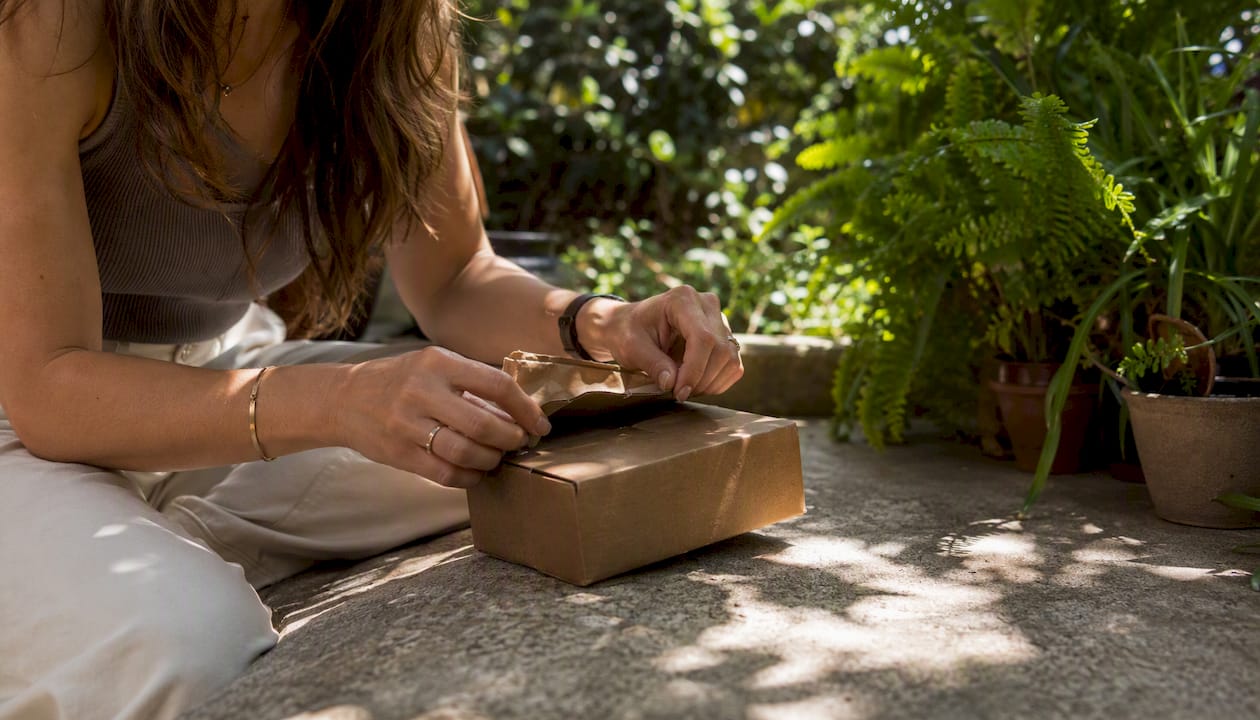
Month 1 is about infrastructure: polish your profile, hit that 10 to 16 post baseline LTK recommends, and resist the urge to judge results yet. Commissions during this window will likely be small, sometimes a few dollars, and that’s expected given return windows and the time it takes for an audience to trust a new Shop.
Month 2 is where patterns emerge. Check which posts drove clicks versus which drove actual purchases, and adjust your product mix accordingly. This is also a reasonable point to start reaching out to smaller brands about a first paid collaboration, since you now have real data to show them.
Month 3 should include your first genuine paid campaign or a noticeably steadier commission stream. If neither has happened, revisit whether your niche is too broad or your posting cadence has slipped.
If you’re managing this alongside a full-time job, the honest trade-off is quality versus quantity. Five well-shot, clearly tagged posts a week will outperform fifteen rushed ones every time, and a smaller, curated Shop reads as more trustworthy to a shopper deciding whether to click.
Pro Tip: When time is tight, protect the quality of your shoppable posts before you protect your posting frequency. A rushed post with a bad photo and a vague caption rarely converts, no matter how often you publish.
Sources
Start with the primary sources instead of secondhand summaries when you have questions about your account, payouts, or app features:
For sharpening your seasonal planning beyond LTK’s own guidance, seasonal marketing campaign strategies and a seasonal content planning framework both offer workable checklist structures for building out a calendar month in advance rather than scrambling the week before a sale.
If you’re still deciding what kind of Shop to build, Stacyknows curates beauty product finds that double as a useful model for what a focused, trustworthy Shop category can look like, tight enough to feel curated, broad enough to keep restocking with new finds.
Image placeholder: lifestyle flat-lay of a phone open to the LTK Creator app alongside a curated product display, warm terracotta and chocolate tones matching Stacyknows branding, for use in the promo/author box area.
This article is general information, not a substitute for advice from a qualified financial advisor. Consult a qualified financial professional about your own circumstances before acting on anything here.
Recommended
- Influencer Marketing Strategy for Brand Managers – Stacyknows
- Stacy Knows: Your Guide to the Original Influencer – Stacyknows
- Travel Blogger Success Guide: Strategies for 2026 – Stacyknows
- Food Blogger Tips: How to Build a Successful Blog – Stacyknows
